
When using Ubuntu 24 .04 and try to update your system with:
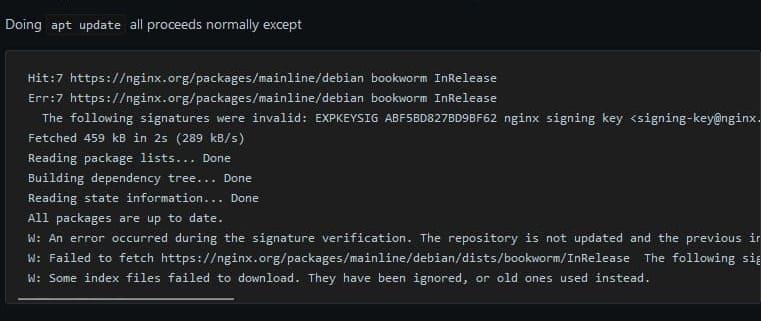
sudo apt updateAfter 14/06/2024 The Error of Nginx expired key will showing:
Err:8 https://nginx.org/packages/mainline/debian bookworm InRelease
  The following signatures were invalid: EXPKEYSIG ABF5BD827BD9BF62 nginx signing key <[email protected]>
W: An error occurred during the signature verification. The repository is not updated and the previous index files will be used. GPG error: https://nginx.org/packages/mainline/ubuntu jammy InRelease: The following signatures were invalid: EXPKEYSIG ABF5BD827BD9BF62 nginx signing key <[email protected]>
W: Failed to fetch https://nginx.org/packages/mainline/ubuntu/dists/jammy/InRelease  The following signatures were invalid: EXPKEYSIG ABF5BD827BD9BF62 nginx signing key <[email protected]>
W: Some index files failed to download. They have been ignored, or old ones used instead.
—
How to Fix it in one code:
sudo curl -s https://nginx.org/keys/nginx_signing.key | gpg --dearmor > /usr/share/keyrings/nginx-keyring.gpgthats all you can now update & upgrade your system with:
sudo apt update && apt upgrade